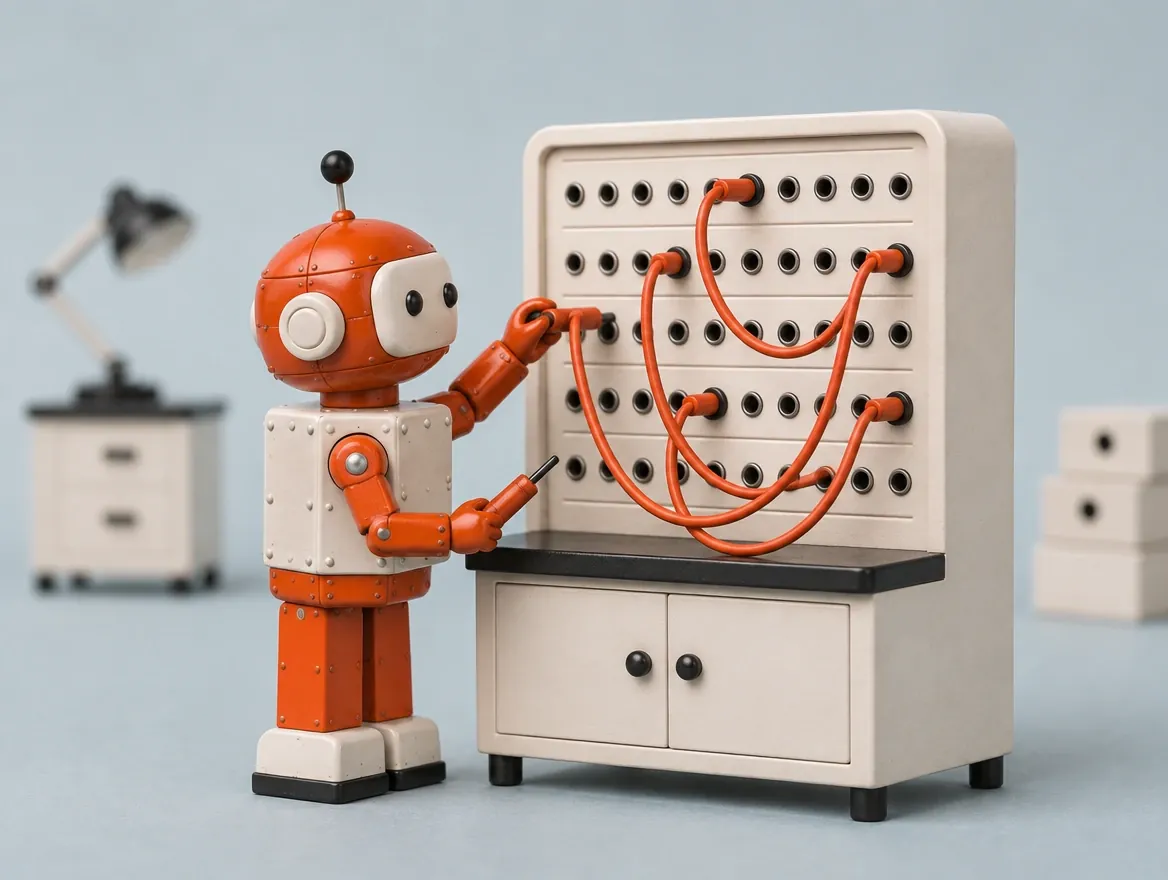
What is n8n and what is it for in an SMB?
n8n (pronounced "n-eight-n", short for "nodemation") is an automation platform created in Berlin, in 2019, by Jan Oberhauser, and maintained by the company n8n GmbH (source: Wikipedia, n8n, accessed November 15, 2026). Instead of writing code to connect two tools, you draw a visual flow: a box for each step (a "node"), connected by arrows. A node can be an incoming email, a spreadsheet, a CRM, WhatsApp, a database, an AI model such as Claude or ChatGPT, or a piece of code when more control is needed.
What this allows, in simple terms, is that a task that a person does by hand, always in the same order, can be done on its own. An SMB usually uses n8n in four areas.
Handling messages and requests. An email or a form comes in, the AI sorts the request, the flow records the contact in the CRM, alerts the right person and, if it is a simple case, prepares a reply for approval.
Connecting systems that do not talk to each other. Invoicing, calendar, online store, spreadsheet, email. n8n moves the data from one side to the other and avoids copying by hand.
Client and contact follow-up. Reminders, email sequences, alerts when a client does not reply, status updates.
Reports and routines. Bringing together numbers from several sources and sending them every week at the same time.
With the arrival of AI models, n8n took on another role: it serves as the "plumbing" for AI agents, programs that decide and carry out steps in real tools. That is why many people look for it when they want to put AI to work inside the company, and not just chat with it. If you want to understand that part, see AI agents for businesses and the guide what are AI agents. For WhatsApp, see the AI WhatsApp chatbot for businesses.
Rui Navarro, founder of Marrow4, uses n8n, Make and Zapier seriously in his businesses and projects. That is why this guide compares the three without a default favorite: the choice depends on the case.
Is n8n free?
n8n can be used for free when installed on your own server, for internal use, under the project's "Sustainable Use" license ("fair-code" model). The version hosted by n8n (n8n Cloud) is paid. Prices change, so always check the official page.
"Fair-code" means the code is visible and can be installed and modified, but it is not "open source" in the strict sense: the license limits commercial use, for example for someone who wants to resell n8n itself as a competing service. For a company that automates its own processes, the license usually covers it.
In practice there are two paths. Installing on your own server (self-hosting): no license cost for internal use, but with server costs and, above all, time costs: someone has to install, update, back up and monitor it. Using n8n Cloud: n8n takes care of hosting and charges a monthly fee that depends on the plan and the number of executions. For current values, the right source is the n8n pricing page.
For an SMB without a technical team, "free" is misleading: the real cost is in whoever designs, tests and maintains the flows. That is also why many companies hire people to build them.
Is n8n safe? Are there risks?
n8n is safe when it is well configured, but the risks exist and depend mostly on who sets it up: poorly stored credentials, too much access, a server without updates, and AI flows with no limits or no human review.
There are four practical risks worth knowing.
- Credentials and access. A flow connects to your email, CRM or database with access keys. These keys are stored in n8n itself and should only grant the permissions needed.
- Outdated server. Whoever installs n8n at home or on their own server is responsible for updating it and protecting access. A forgotten server is an open door.
- Personal data. Flows move client data. You need to know what passes through, where it is stored and who can access it, in line with GDPR.
- AI with no limits. A flow that lets an AI model act without rules can send a wrong message or promise what the company cannot deliver. Sensitive cases should go through a person.
None of these risks is exclusive to n8n: they apply to any automation tool. The difference lies in designing with limits, logs of what the flow did, and human approval when it matters.
Is there something better than n8n? n8n, Zapier or Make
There is no "better" tool in general: Zapier is the easiest to start with, Make is the most visual for flows with several branches, and n8n is the most flexible and the only one that can be hosted on your own server. The choice depends on who will maintain the flow.
| Criterion | n8n | Zapier | Make |
|---|---|---|---|
| Who it is for | Those who want flexibility and control over their data | Those who want to start quickly, with no technical skills | Those who want to design visual flows with several conditions |
| Difficulty getting started | Medium to high | Low | Medium |
| Where it runs | On your own server or in n8n's cloud | In Zapier's cloud (our assessment) | In Make's cloud (our assessment) |
| Code when needed | Yes, in JavaScript and Python | Yes, in code steps (JavaScript and Python) | Yes, in the Code app, in JavaScript or Python (Make documentation, accessed November 15, 2026) |
| License model | Fair-code, can be installed at home | Closed service | Closed service |
| Integration with AI and agents | Has its own tools for AI agents and AI nodes (Wikipedia, November 15, 2026) | See Zapier's documentation | See Make's documentation |
| Prices | See n8n.io/pricing | See zapier.com/pricing | See Make's pricing page |
This table is a qualitative comparison by us (November 2026), with the sources indicated where they exist, based on how Rui uses the three tools, and does not include prices because they change. In many cases the right answer is mixed: Zapier for a simple connection that only needs to work, n8n for what has logic, AI or sensitive data. For the published prices and help deciding, see n8n, Zapier or Make: which one to choose for an SMB. For a specific case, we see in the call which is the right tool for each process.
Which business processes in an SMB are worth automating with n8n?
It is worth automating what is repeated, has clear rules and happens many times a week: sorting emails and requests, recording contacts in the CRM, client follow-up, reminders and reports. It is less worth it for what is rare or requires human judgment in each case.
A simple test before automating anything:
- Does it repeat? If it happens every week, it is a candidate. If it happens twice a year, it is not.
- Does it follow rules? If a new person could do it with a ten-line guide, the flow can too.
- What does a mistake cost? If a mistake is cheap, automate it fully. If it is expensive, leave a human to approve.
- How much time does it save? Add up the hours per month. If the saved time does not pay for the work of building and maintaining it, leave it as it is.
This is the exercise we do with you: in a 15-minute call we see which process in your company is worth automating first and with which tool. It can be n8n, Make, Zapier or none of them.

About the author
Rui Navarro is the founder of Marrow4. He has worked in digital marketing for about 20 years, has more than 200 thousand followers on social networks, and created Rui OS, the software he uses in his own businesses. Who is Rui Navarro